


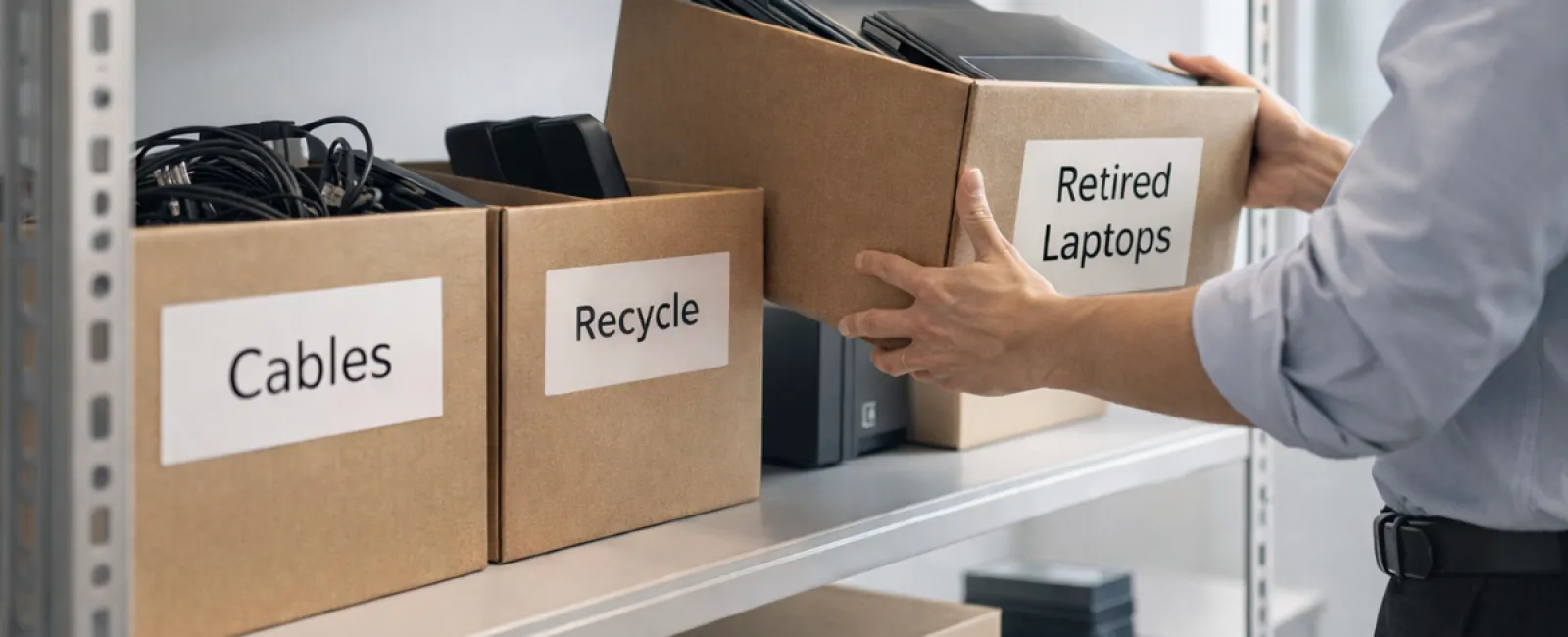
While spring cleaning often begins with tidying up closets, many businesses find their true clutter hidden elsewhere.
It might be piled on a server rack, scattered in storage rooms, tucked away in back offices, or pushed into a box labeled "we'll get to it later."
Old laptops, outdated printers, backup drives from several upgrades ago, and boxes of cables kept "just in case"—virtually every business ends up with these.
The key question isn't if you have this clutter—it's whether you have a strategic plan to handle it effectively.
Technology Follows a Lifecycle Beyond Its Purchase Date
When investing in new equipment, there's usually a clear rationale: it's faster, more secure, supports growth, or offers enhanced capabilities.
Most companies carefully plan their technology purchases—but few strategize how to retire old assets.
Retiring equipment typically happens quietly—devices get replaced, set aside, and eventually someone decides to clear out space.
That's common—but what's uncommon is treating the retirement of technology with the same care and planning as the purchase.
Old devices still hold value, recyclable parts, and sensitive data that needs secure handling. Unmanaged, they can clutter your workspace and divert attention.
Spring offers a perfect opportunity to evaluate: which technology is still valuable and which is simply occupying space?
Effective Steps to Organize Your Tech Assets
To move beyond vague intentions, follow this clear four-step process.
Step 1: Take Inventory
Identify exactly what you're retiring—laptops, phones, printers, network hardware, external drives—and be thorough. A quick walkthrough often uncovers more than expected.
Step 2: Determine the Outcome
Every device belongs to one of three categories: reuse (internally or via donation), recycle (through certified e-waste channels), or destroy (for sensitive data). Decide deliberately—don't let equipment languish in storage indefinitely.
Step 3: Prepare Devices Properly
Discipline here pays off.
For reuse or donation, remove devices from management systems, revoke access, and ensure data is thoroughly wiped—not merely factory reset. Quick deletes or formatting don't eradicate data; they only hide it from the system.
Research from Blancco, a data security firm, reveals that 42% of used drives sold on eBay still held sensitive information despite sellers claiming proper wipes. Certified erasure overwrites every sector, providing a verifiable report.
If recycling, partner with certified e-waste professionals rather than disposing of hardware in the trash. For businesses, options like Best Buy's popular recycling are limited to households. Instead, seek IT asset disposition providers with e-Stewards or R2 certification—directories are available at e-stewards.org and sustainableelectronics.org. Your IT team can assist with this.
When destruction is necessary, opt for certified data wiping or physical destruction such as shredding or degaussing, and document the serial number, method, date, and responsible party.
This process isn't paranoia—it's responsible asset management.
Step 4: Document and Move Forward
After equipment leaves your premises, maintain records detailing where it went, how it was processed, and confirmation that data access was removed. Clear documentation removes lingering doubts.
Overlooked Devices That Demand Attention
While laptops usually get noticed, numerous other devices often get forgotten.
Phones and tablets can retain email accounts, contact lists, and authentication apps. Although factory resets handle most data, certified mobile wipe tools offer deeper cleansing for business devices. Plus, major brands like Apple and Samsung offer trade-in programs for even older devices, often giving credit toward new purchases.
Modern printers and copiers often have internal hard drives storing everything printed, scanned, copied, or faxed. When returning leased copiers, get written assurance that hard drives are wiped or removed before redeployment.
Batteries are considered potentially hazardous waste per the EPA—and in states like California, New York, and Minnesota, businesses can't legally discard rechargeable batteries in regular trash. Remove batteries where possible, tape terminals to prevent short circuits, and drop them off at certified facilities. Call2Recycle.org offers a location map; many Staples, Home Depot, and Lowe's stores also accept rechargeable batteries.
External drives and retired servers often sit forgotten in closets. While not inherently problematic, they still require the same careful retirement procedures as other equipment.
Why Responsible Recycling Matters
Earth Day in April serves as a reminder that electronics must never end up in landfills.
Over 62 million metric tons of e-waste are generated worldwide annually, yet only 22% is properly recycled. Components like batteries, monitors, and circuit boards require specialized recycling. Most communities provide certified e-waste recycling options to handle this responsibly.
Handled correctly, retiring technology can be streamlined, eco-friendly, and secure simultaneously. You can protect data and the environment without compromise.
Sharing these responsible practices on your company's social media also builds goodwill—customers notice when businesses manage assets thoughtfully without fanfare.
Unlocking Greater Potential
Spring cleaning isn't just about discarding stuff—it's about creating room for growth.
Removing obsolete equipment is a start. But when you pause to assess your hardware, ask a broader question: does your technology truly empower your business strategy?
While hardware changes, it's the software, systems, automation, and processes that boost productivity and profitability most.
Properly retiring old tech is good housekeeping; aligning the rest of your technology with your business goals keeps you advancing.
How We Support Your Tech Journey
If you already have a streamlined process to retire equipment, congratulations—that's exactly how it should work: simple and routine.
Meanwhile, replacing hardware is an excellent moment to take stock of your entire tech ecosystem. Are your systems efficient? Do your tools integrate seamlessly? Is your technology fueling growth or merely maintaining the status quo?
If you want to pause and explore how your technology stack, systems, and workflows can enhance your productivity and bottom line, we're here to help.
No equipment lists. No pressure. Just a straightforward chat about optimizing technology for your business success.
Click here or give us a call at 281-402-2620 to schedule your free 15-Minute Discovery Call.
Feel free to share this valuable insight with fellow business owners eager for improvements.
Remember, spring cleaning goes beyond closets—it includes the vital systems powering your business.


