


Managing holiday season stress is hard enough without technology hiccups adding to the chaos. With customers rushing to finish last-minute tasks, employees balancing family commitments, and expectations at an all-time high, the last thing your business needs is to upset people through preventable tech errors.
Consider this your ultimate Holiday Technology Etiquette Guide—because no one wants to be that company that spoils someone's day.
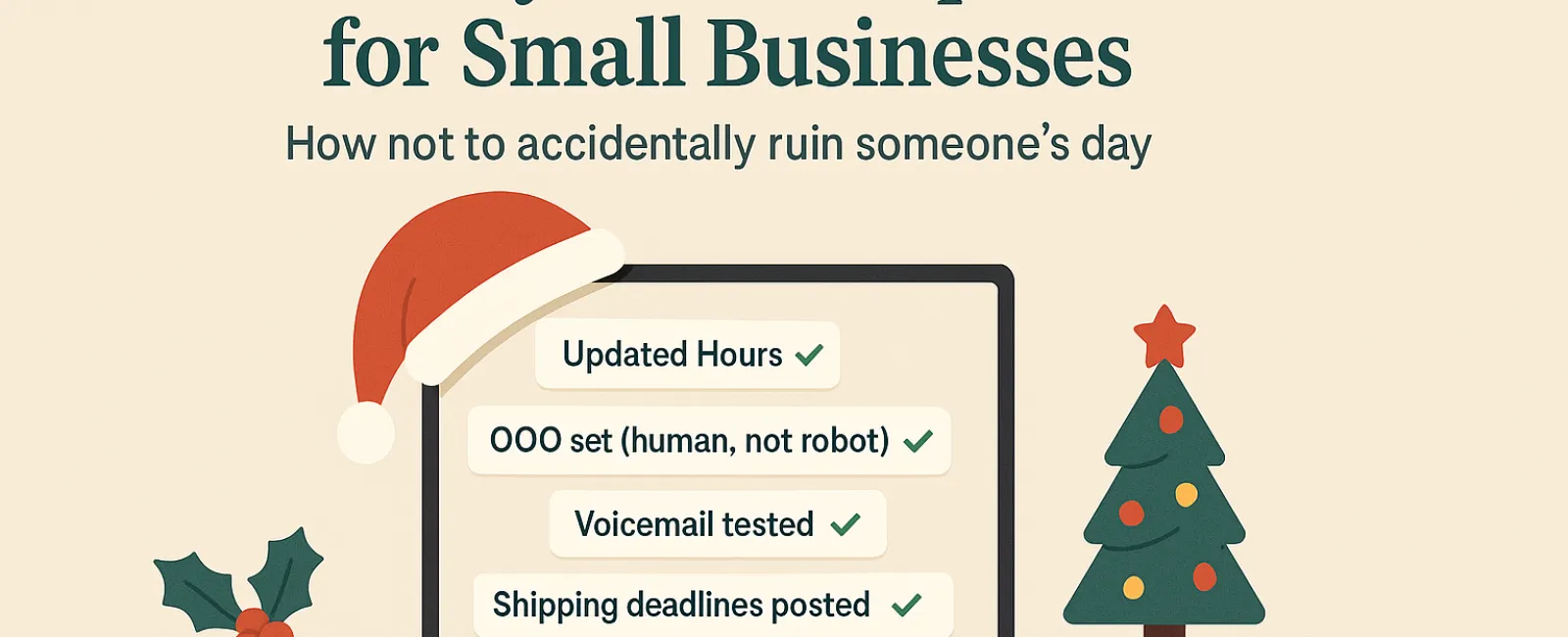
1. Ensure Your Online Hours Are Accurate (Save Yourself From Frustrated Calls)
Imagine a customer dashing across town during their break because Google lists you as open, only to find your doors locked and business lights off. Congratulations—you've just turned them into a frustrated critic.
Where to make updates:
- Your Google Business Profile (this one's crucial!)
- Facebook, Instagram, Yelp, and any other platform where customers find you
- Your website's banner section featuring holiday hours prominently
- Apple Maps (yes, many people still use it)
Example notification: "Happy Holidays! Our office will be closed from Thursday, Nov. 28 through Sunday, Dec. 1 to celebrate with family. We'll resume normal hours Monday, likely a bit turkey-hungover but eager to assist!"
2. Craft Warm and Genuine Out-Of-Office Replies
Taking time off? Don't leave your customers wondering if you've vanished into the holiday void. A well-crafted auto-reply welcomes them warmly—professional yet human.
Sample out-of-office message: "Thanks for your message! Our office is closed for Thanksgiving from Nov. 28 to Dec. 1. We'll reply when we're back and fully caffeinated. For urgent matters, please call our support line at (XXX) XXX-XXXX. Wishing you a joyful holiday season!"
3. Keep Out-Of-Office Replies Relevant and Concise
Keep details minimal. Customers don't need your full holiday itinerary—including Aunt Carol's visit, the office manager's Cancun trip, or Bob's "Friendsgiving" plans.
Beyond oversharing, too much information can pose security concerns. Stick to closure dates, response times, and alternative contact points. Save your travel stories for social media updates.
4. Verify Your Phone System Messages
Holiday callers are often pressed for time and already under stress. Ensure your voicemail greeting matches your current hours and doesn't leave callers confused.
Pro tip: Call your business line yourself. You'd be surprised how many greetings haven't been updated since 2019.
Sample voicemail script: "Hello, you've reached [Business Name]. Our office is currently closed for the holiday weekend. Please leave a message, and we'll return your call Monday morning. For urgent help, press 1 to reach our on-call team. Happy Holidays and thank you for your patience!"
5. Communicate Shipping Deadlines Clearly and Early
If your business handles shipping or deliveries, it's essential to notify customers of order deadlines well in advance. Highlight cut-off dates on your website and send timely reminder emails.
Late shipments cause disappointment—but mismanaged expectations can damage relationships. No one wants to explain why an anniversary gift arrives late in January.
The Bottom Line: Thoughtful Tech Etiquette Creates Loyal Customers and Thriving Business
Holiday technology etiquette is simple. It means setting clear expectations, communicating warmly like a real person, and respecting valuable customer time. These small but significant updates can transform potential frustration into a smooth and enjoyable experience.
Remember, it's not just about avoiding issues—it's about making your customers feel valued and cared for, even when you're offline.
Need assistance ensuring your systems and customer experience shine this holiday season? Give us a call at 281-402-2620 or click here to schedule your complimentary 15-Minute Discovery Call. Let's discuss simple ways to keep your business running seamlessly while you enjoy your well-earned break.


